iterator...
A fun skeuomorphic web tool that turns birthdays and anniversaries into yearly Google Calendar events, each with the age or year count right in the title.
September 2026
Why I Built This
Google Calendar will happily remind you that it's a friend's birthday but it won't tell you how old they're turning. A repeating event has one title for every year, so there's no way to get “Alex's 37th Birthday” this year and “38th” next year out of it.
I looked for a Chrome extension or service that handled this and came up with a couple of Apps Script gists and not much else. So I built the version I wanted. You enter a name and a date, download one file, import it once, and every year has its own event with the number already in it.
How It Works
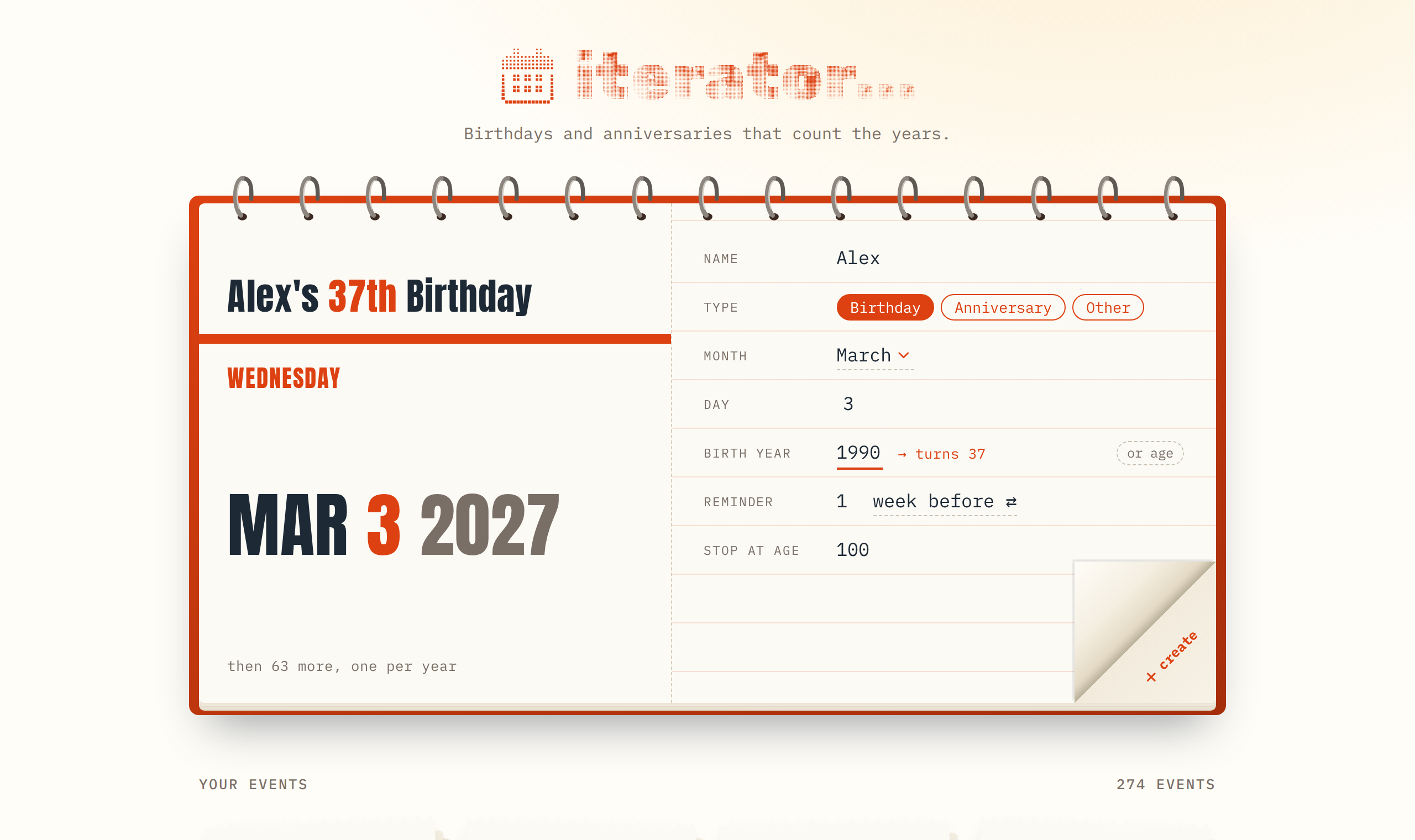
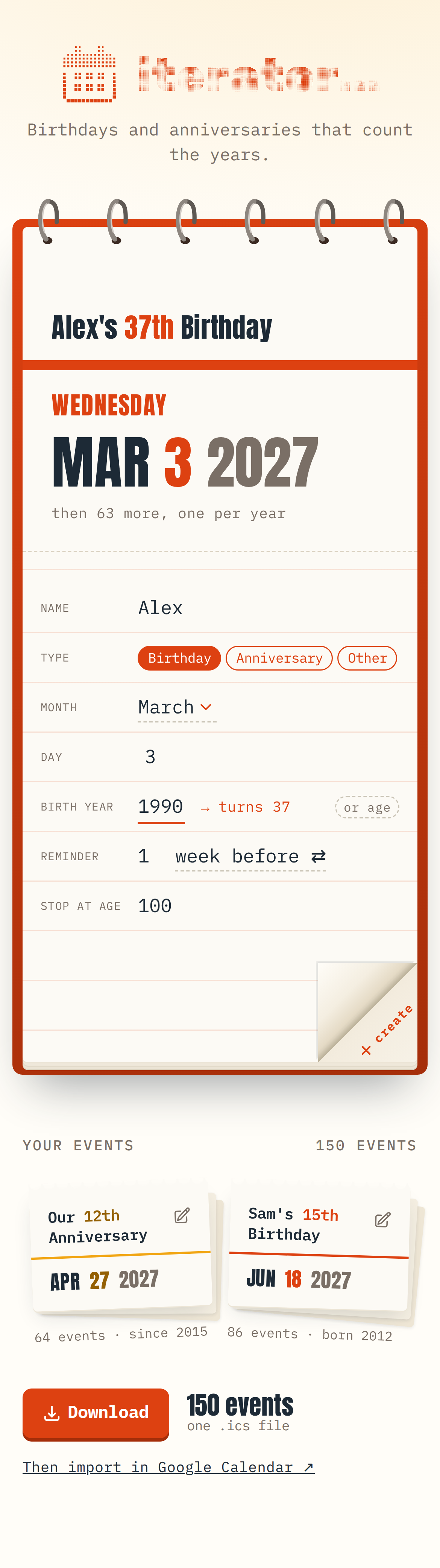
The calendar is the form. The right page is a ruled sheet with the name, type, month, day, year, reminder, and when to stop. The left page is a live preview of the first event it will create: the weekday, the date in big type, and the title filling in as you type.
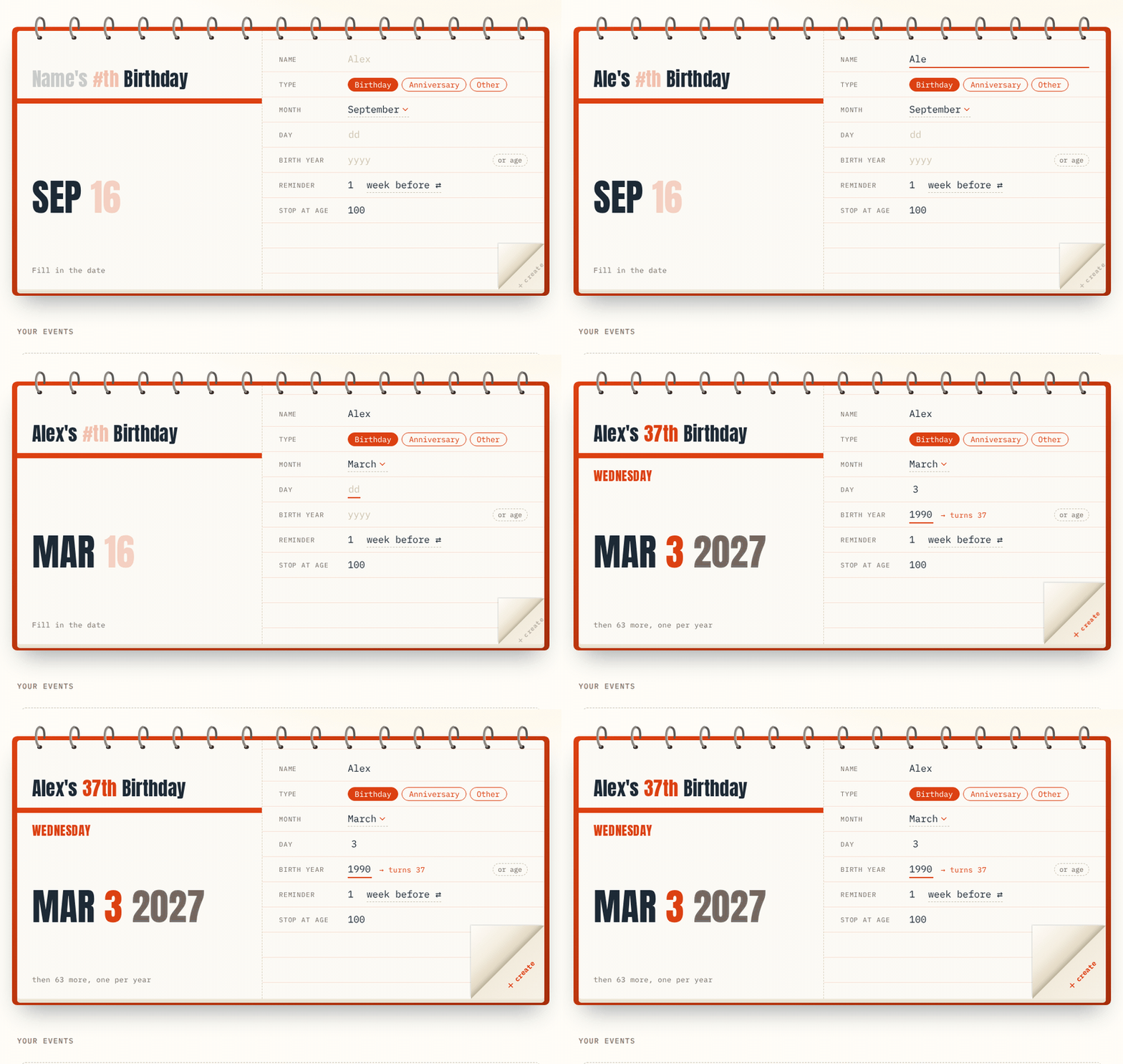
If you don't remember the birth year, you can flip the year field to an age instead. “Mar 3, turns 15” works out the rest.
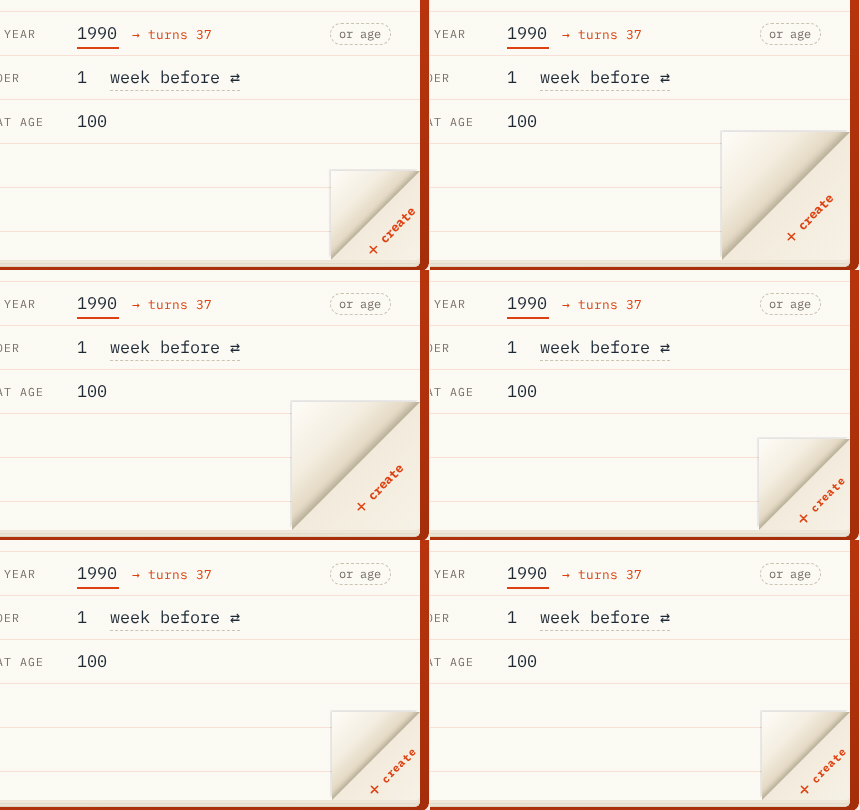
When everything is filled in, the bottom corner of the page springs open. Peel it back to create the event, and the whole sheet tears off and drops down into your list.
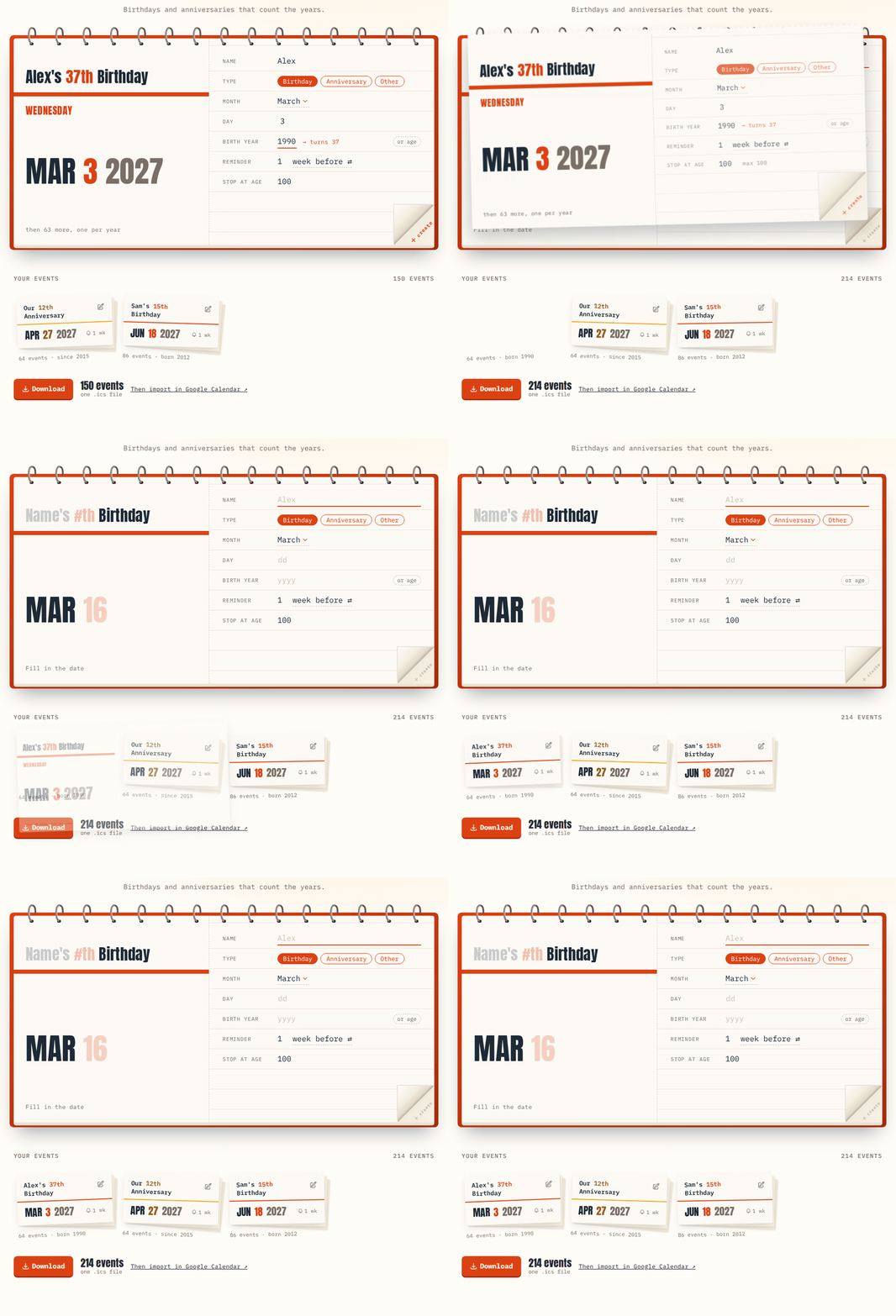
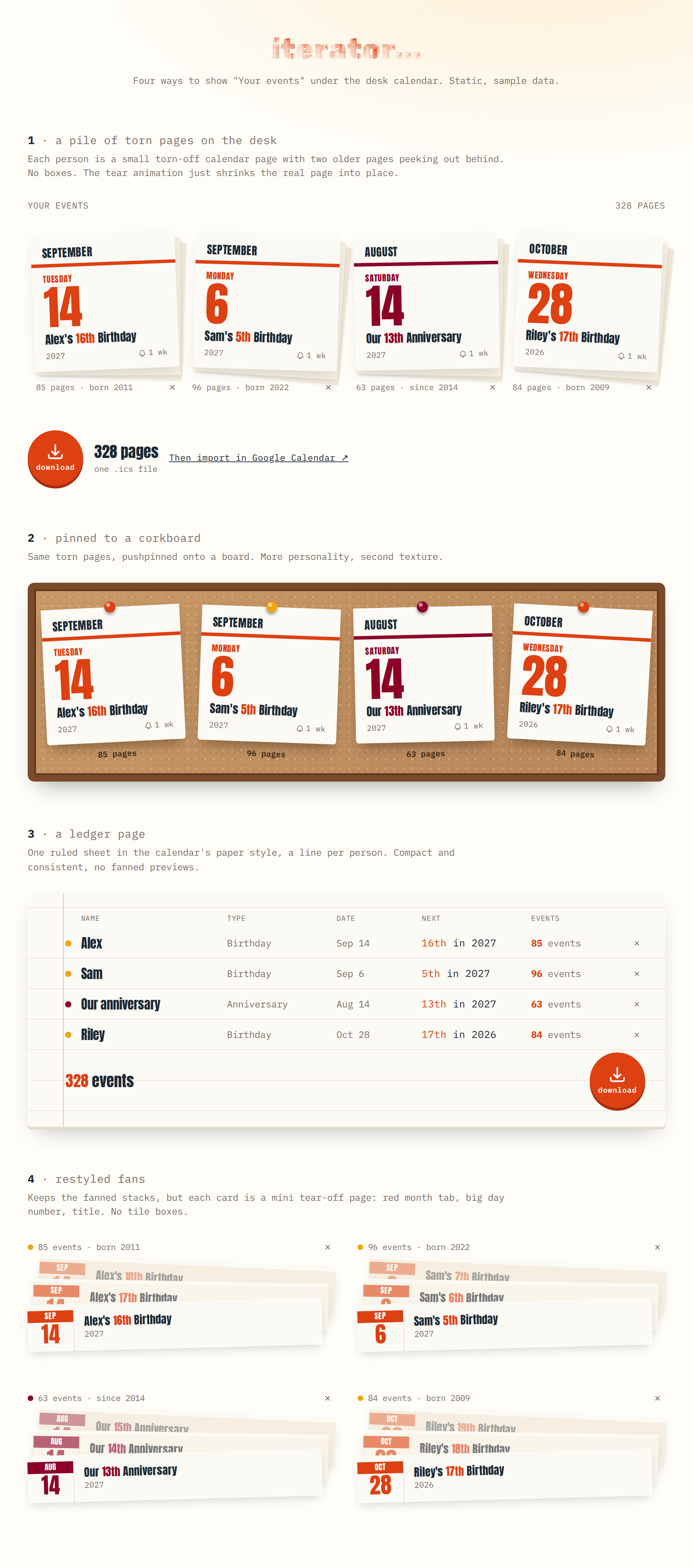
Each person lands as a small torn page with a couple of older pages stacked behind it.
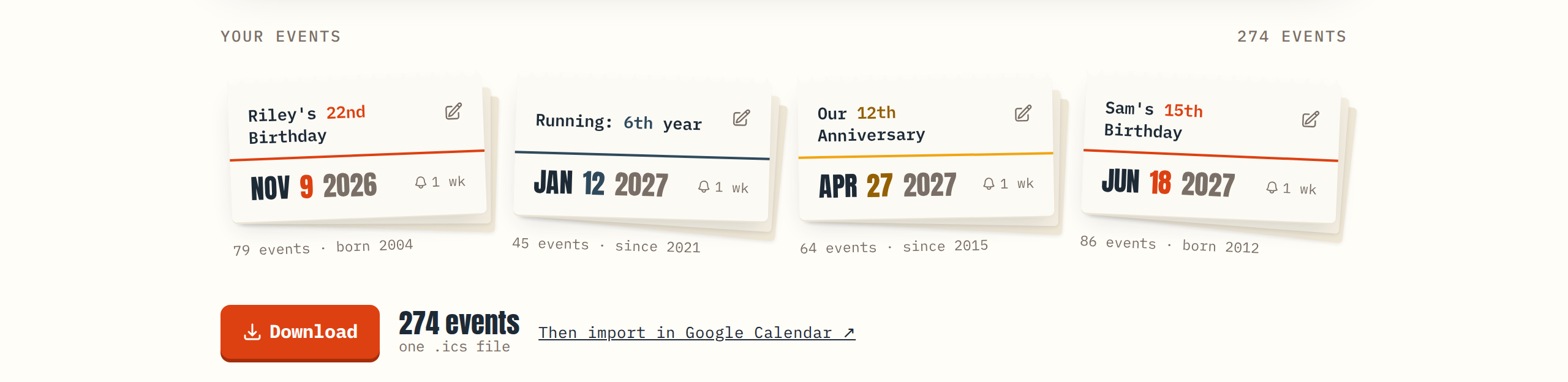
Tap the pencil on any of them and the page flies back up to the calendar for editing.
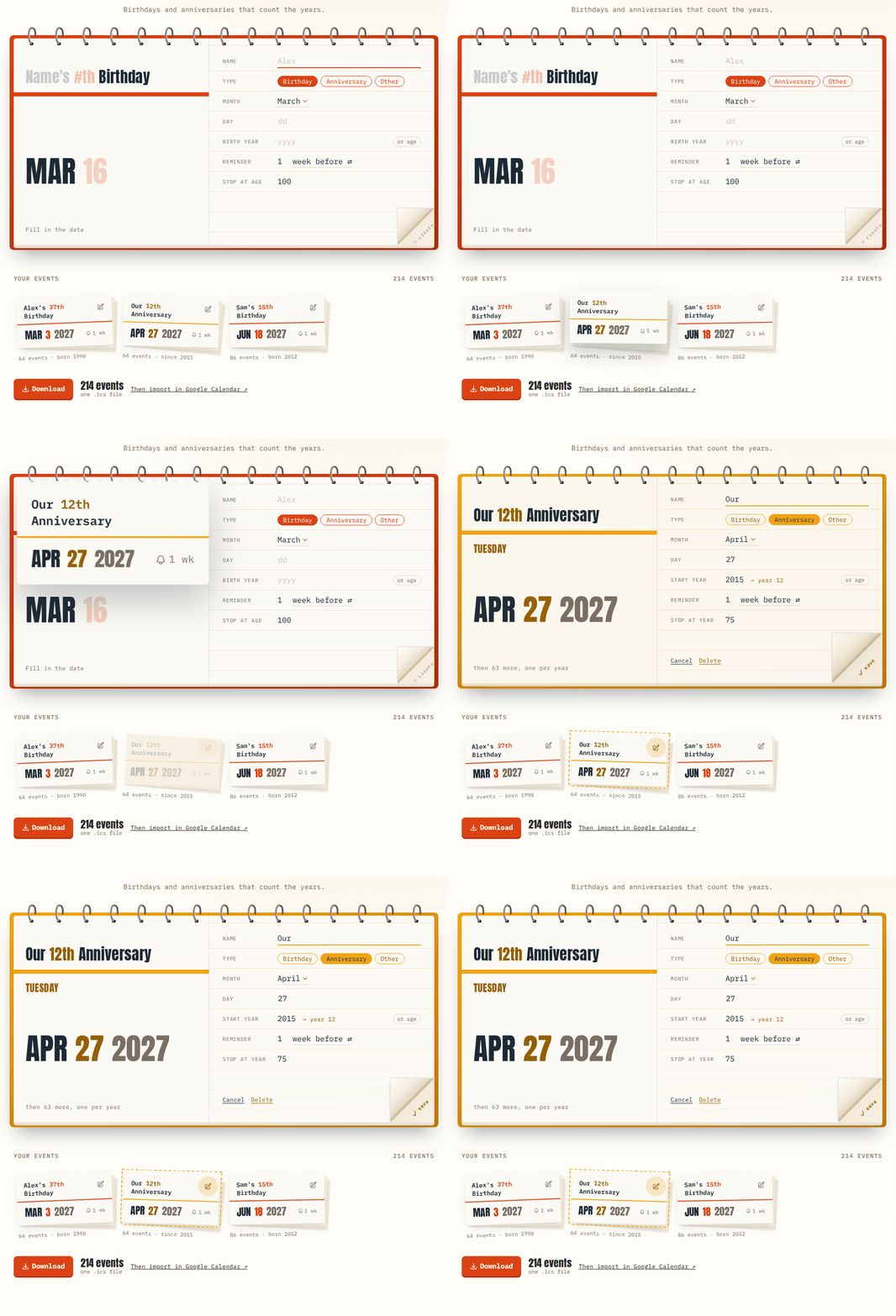
When you're done, download a single .ics file and import it into Google Calendar. Every event has a stable ID, so fixing a typo and re-importing updates the existing events instead of adding a second copy.
Features
| Feature | Description |
|---|---|
| Age in the title | One all-day event per year, titled “Alex's 37th Birthday”, “Our 12th Anniversary”, or “Running: 6th year”. |
| Year or age | Enter the birth year, or just the age they're turning, and it calculates the other. |
| Live preview | The left page shows the next occurrence, its weekday, and the full title while you type. |
| Three types | Birthday, anniversary, or other. The whole calendar recolors to match. |
| Reminders | Days or weeks before, baked into every event in the file. |
| Safe re-imports | Stable event IDs mean edits overwrite instead of duplicating. |
| Tear-off animation | Create tears the page off. Edit sends it back up. |
| Works on a phone | The calendar stacks vertically on small screens. |
Design
This is admittedly an overbuilt weekend project; a simple form with three fields and a download button would have done the job. Instead there's a spiral-bound desk calendar with wire rings that loop over the top edge, a dog-eared corner that peels back to reveal “create,” and pages that tear off and fall into a pile.
It's a pretty direct nod to the skeuomorphic web and app design I grew up with, when interfaces looked like the objects they replaced: leather-stitched calendars, notepads with torn edges, felt-covered game tables. That style fell out of fashion for good reasons, but for a tool whose whole job is “one calendar page per year,” it felt right to make it an actual calendar page.
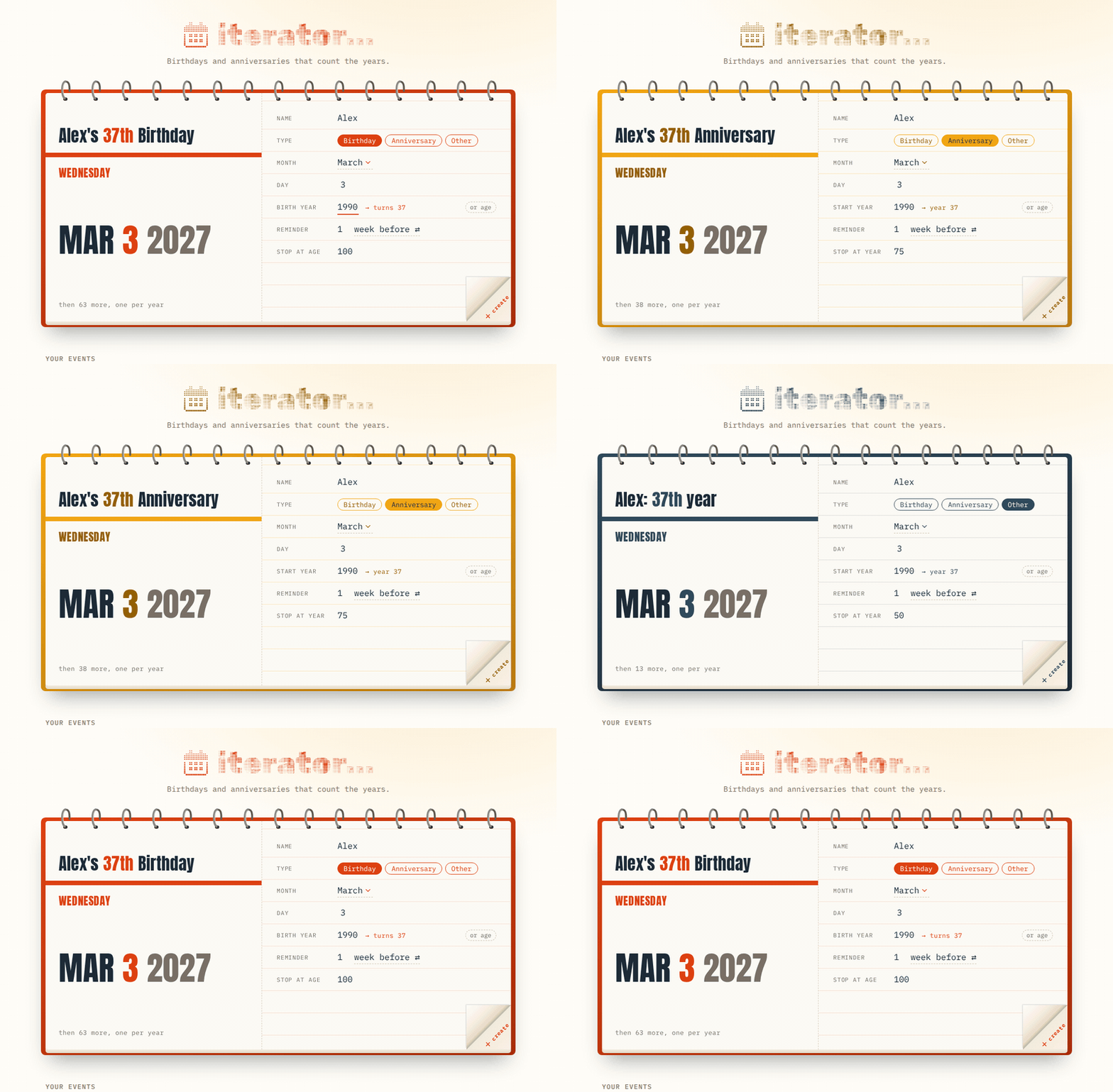
The palette is warm and a little retro: red for birthdays, mustard for anniversaries, and slate for everything else, all on cream paper. The wordmark is set in Rubik 80s Fade next to a halftone calendar icon I drew to match its texture. The big dates use Anton, and everything else is Lilex. The dog-eared corner went through a round red button first, until it became obvious that the paper behind a page wouldn't be red.
How It Got Here
It didn't start as a calendar. The first version was a plain text box, then a table, then a grid of fanned event cards with a pop-up editor. Each one worked fine and felt like every other form on the internet.
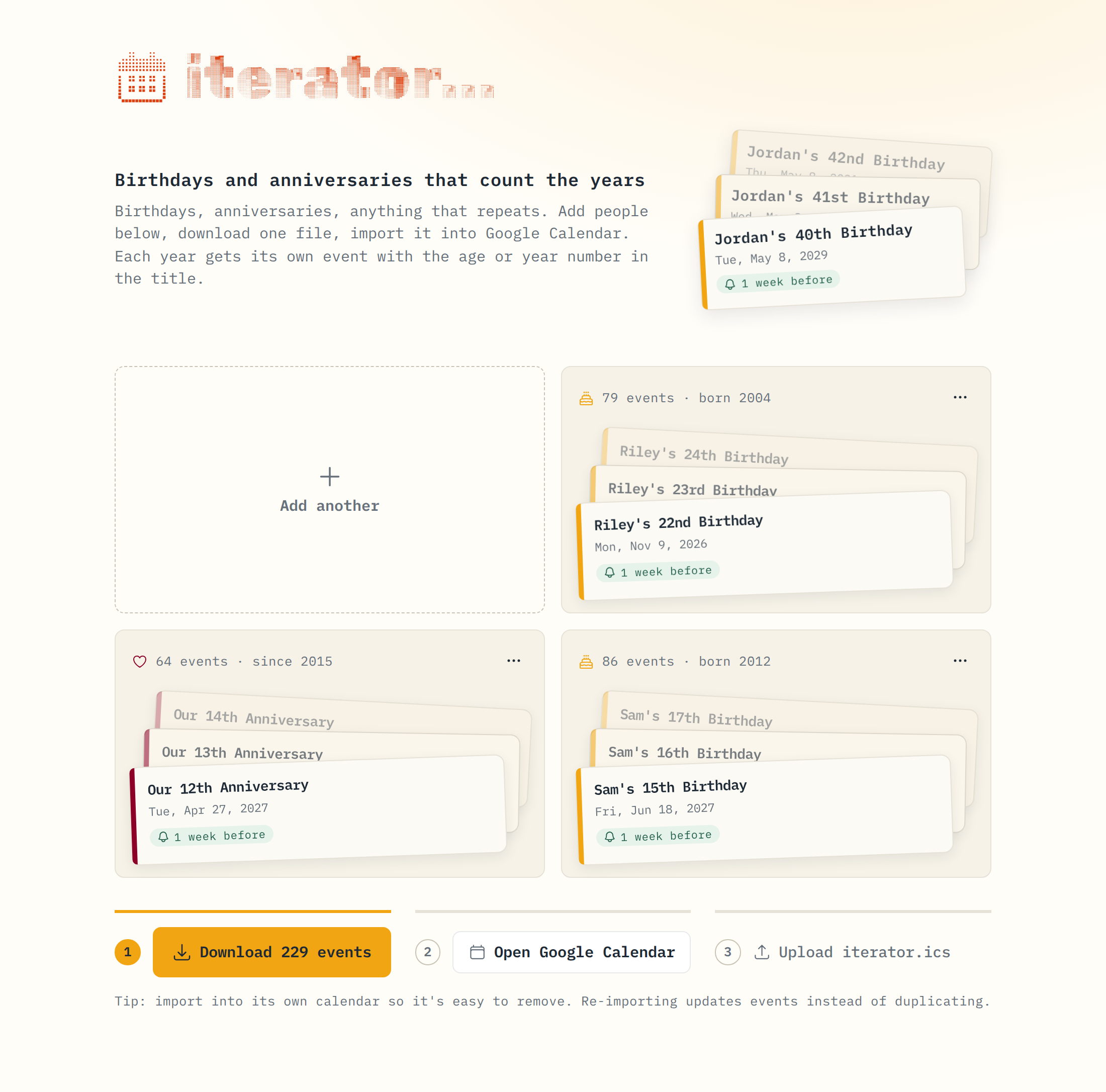
The desk calendar started as a “just for fun” mockup, and it was immediately more obvious what the tool did. Most of the work after that was deciding where things belonged on a physical object: which page holds the inputs, what the torn pages should look like once they pile up, and how much color the paper could take.