
Kids' Art Frame
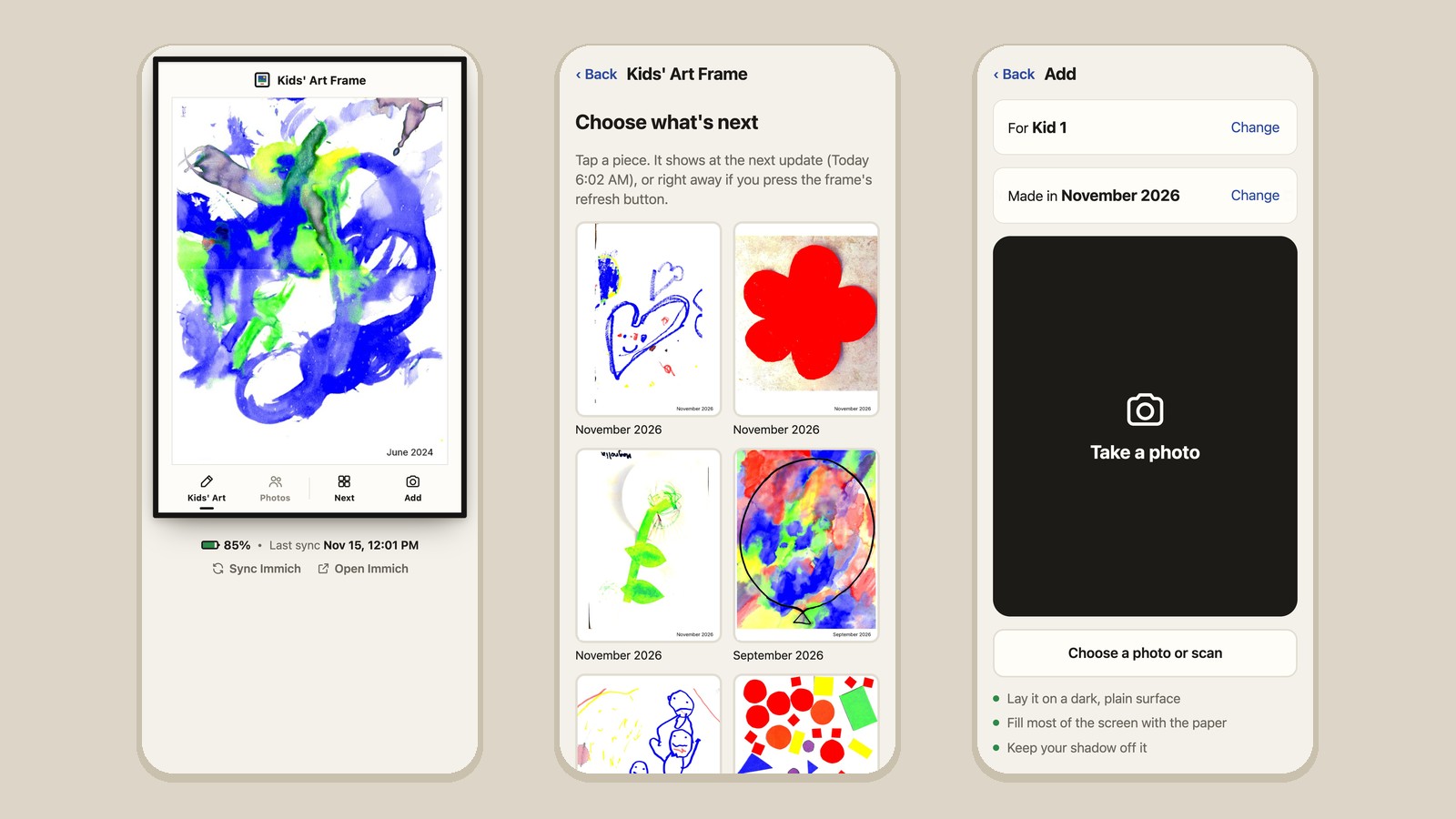
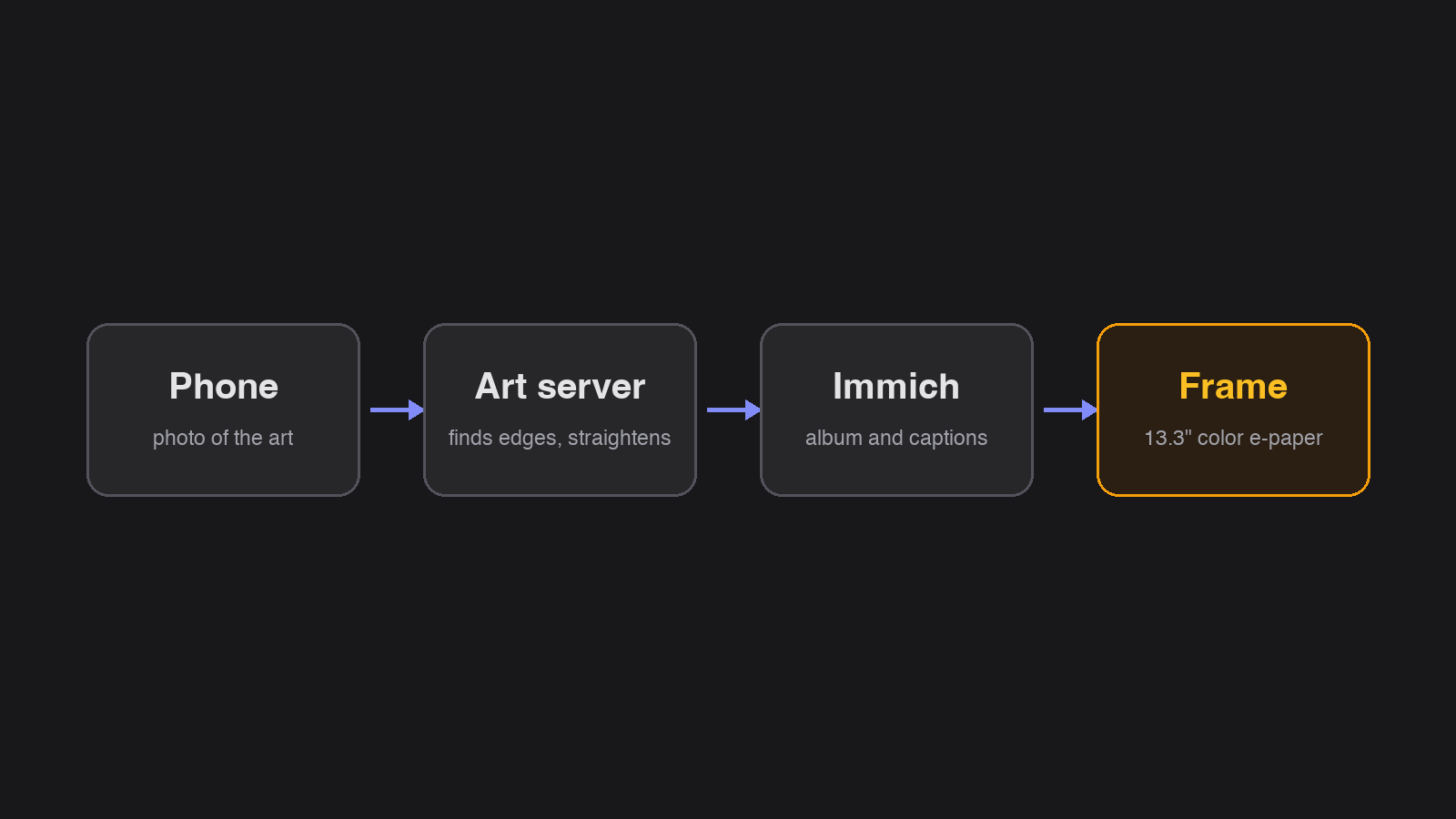
A 13.3-inch color e-paper frame that shows my kids' art, fed by a small server on my home lab. I take a photo of a new piece with my phone, the server finds the paper and straightens it, and the frame picks it up on its own.
November 2026
Why I Built This
I wanted a frame on the wall that shows the kids' art and changes through the day, and I wanted adding a new piece to take about as long as taking a photo. I also wanted a proper archive of the originals, not just a slideshow.
The first version used the flatbed scanner on our printer. The scans looked great, but walking every painting to the scanner was never going to last. I tried the document scanner built into the iPhone next, and it shrank a page to about 1261 by 1745 pixels, roughly a quarter of the detail of the flatbed. A normal phone photo keeps far more, so I built the capture around that and removed the scanner pieces entirely.
Adding Art
The server hosts a small page I open on my phone. I pick which kid made the piece and take a photo straight down. In about two seconds the server finds the paper's edges and shows the photo with a dot on each corner. If a dot is off, I drag it, with a magnifier above my finger. Then it straightens the page, I rotate it if needed, and save.
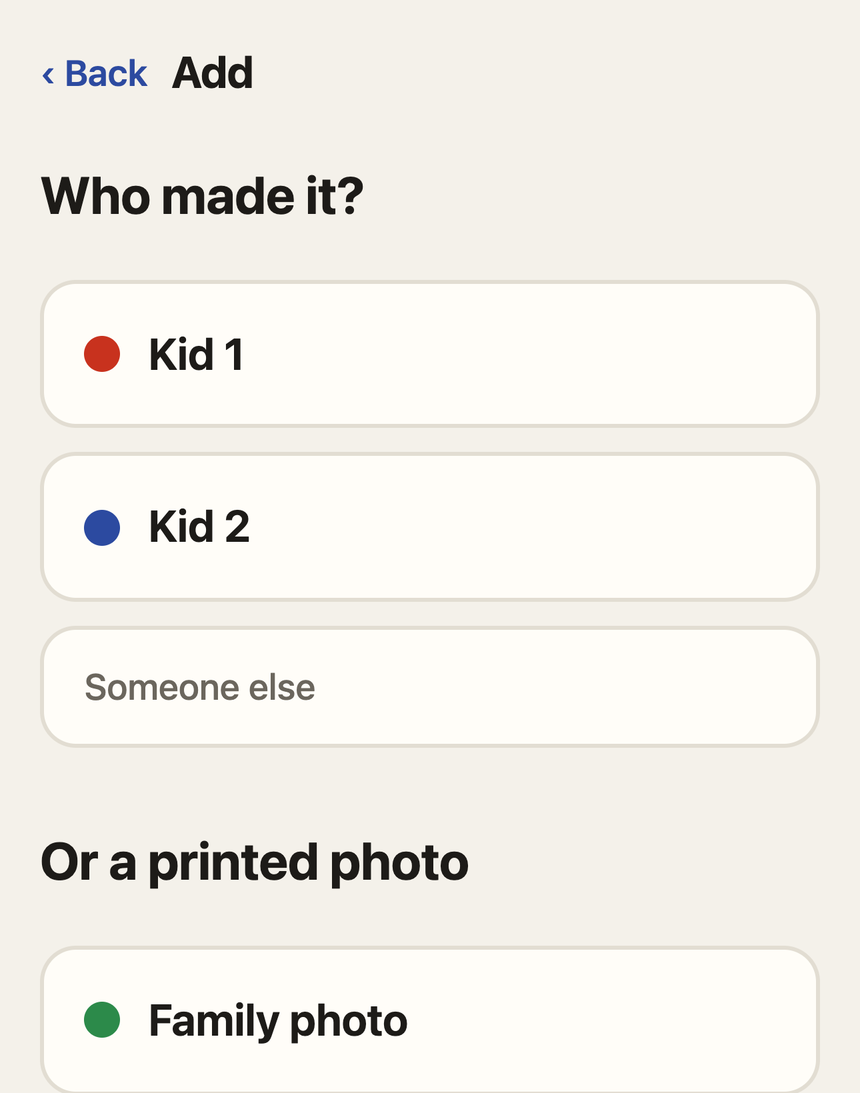
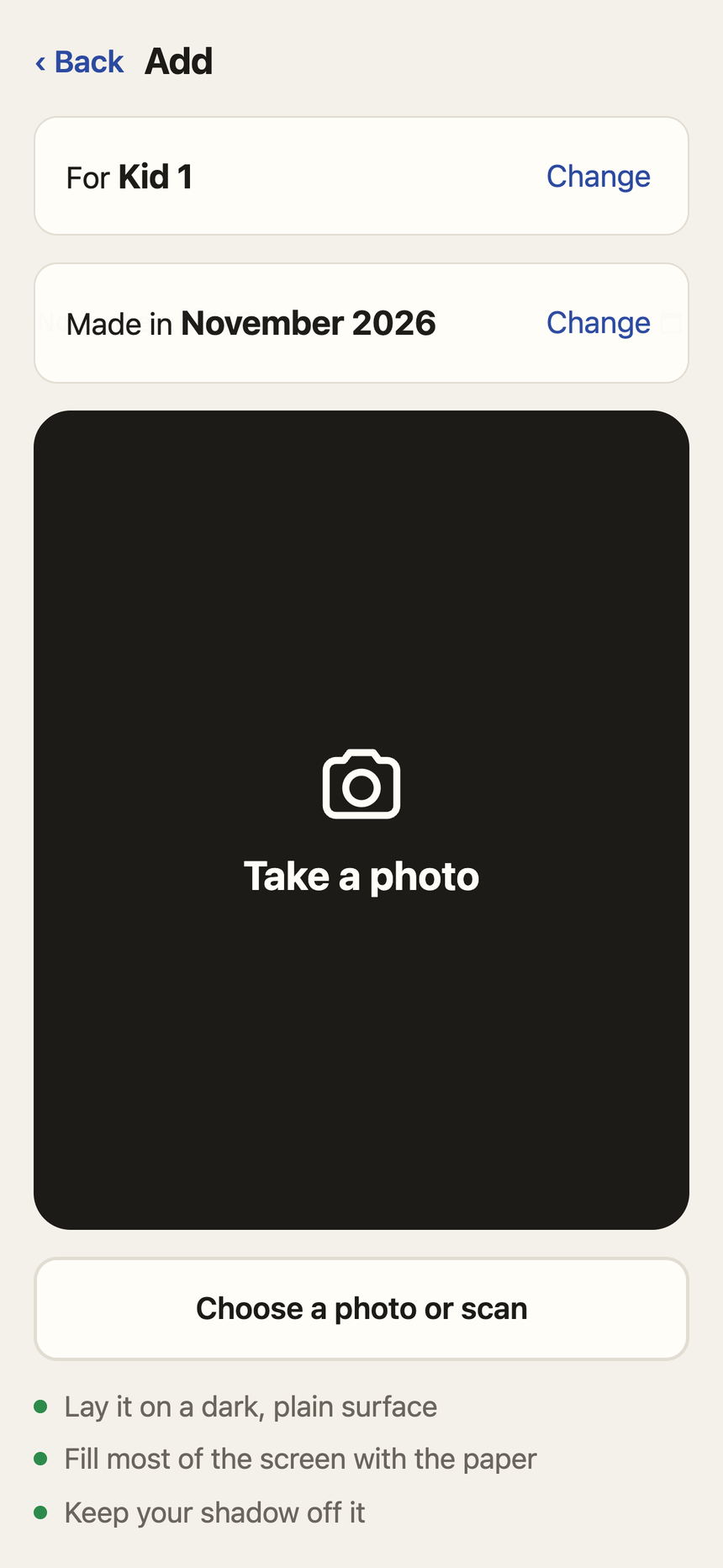
Two files are kept. The straightened copy is filed at the photo's full detail with the location removed, and the untouched photo goes in a folder beside it, so a bad crop can be redone later. Portrait or landscape is worked out from the shape of the paper.
Finding the Paper
Edge finding tries four detection methods and keeps the best outline. On 16 test photos it found the paper to within about two pixels on 11 of them, including steep angles, a rug, and a couch. It misses when the paper looks like what's under it, such as white paper on a light table, and dragging the corners covers those.
The first real photo failed anyway. It was a white canvas on dark wood, which should have been easy, and one method had found the edges almost exactly. But the canvas was covered in green handprints, and a check that asked “is this outline mostly paper inside?” threw the right answer out. Kids' art is mostly paint, so that check now looks at the outline's shape instead of how much white is inside it. When the page isn't sure about the corners, it says so and asks me to check each one.
The Frame
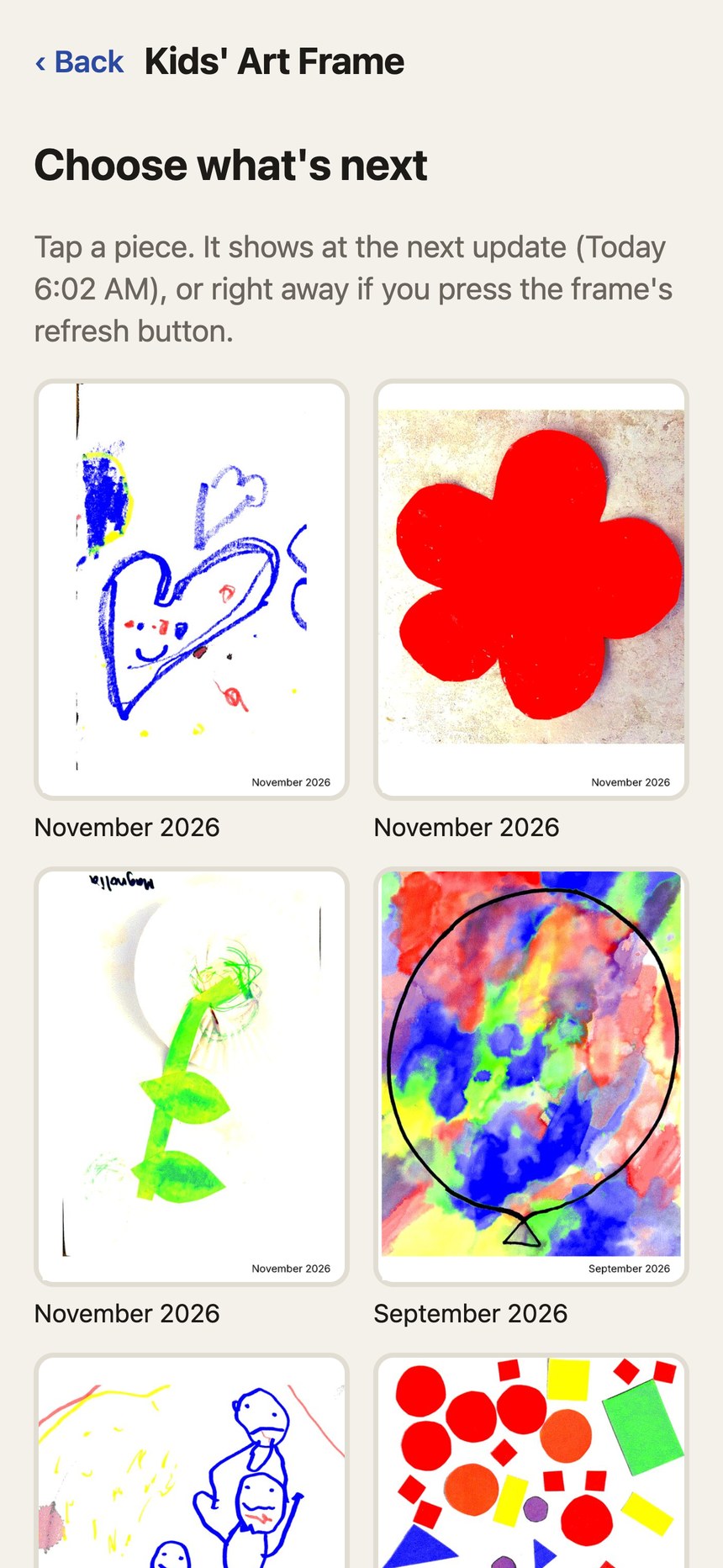
The frame is a Seeed reTerminal E1004 with a 1200 by 1600 Spectra 6 color panel, running ESPHome on battery. It wakes three times a day, asks the server what to show, draws it, and goes back to sleep. It shows the newest piece it hasn't shown yet, otherwise one it hasn't shown recently. Because it sleeps, it can't be woken from the network, so its buttons do that job: refresh shows the next piece now, and the arrows step forward and back.
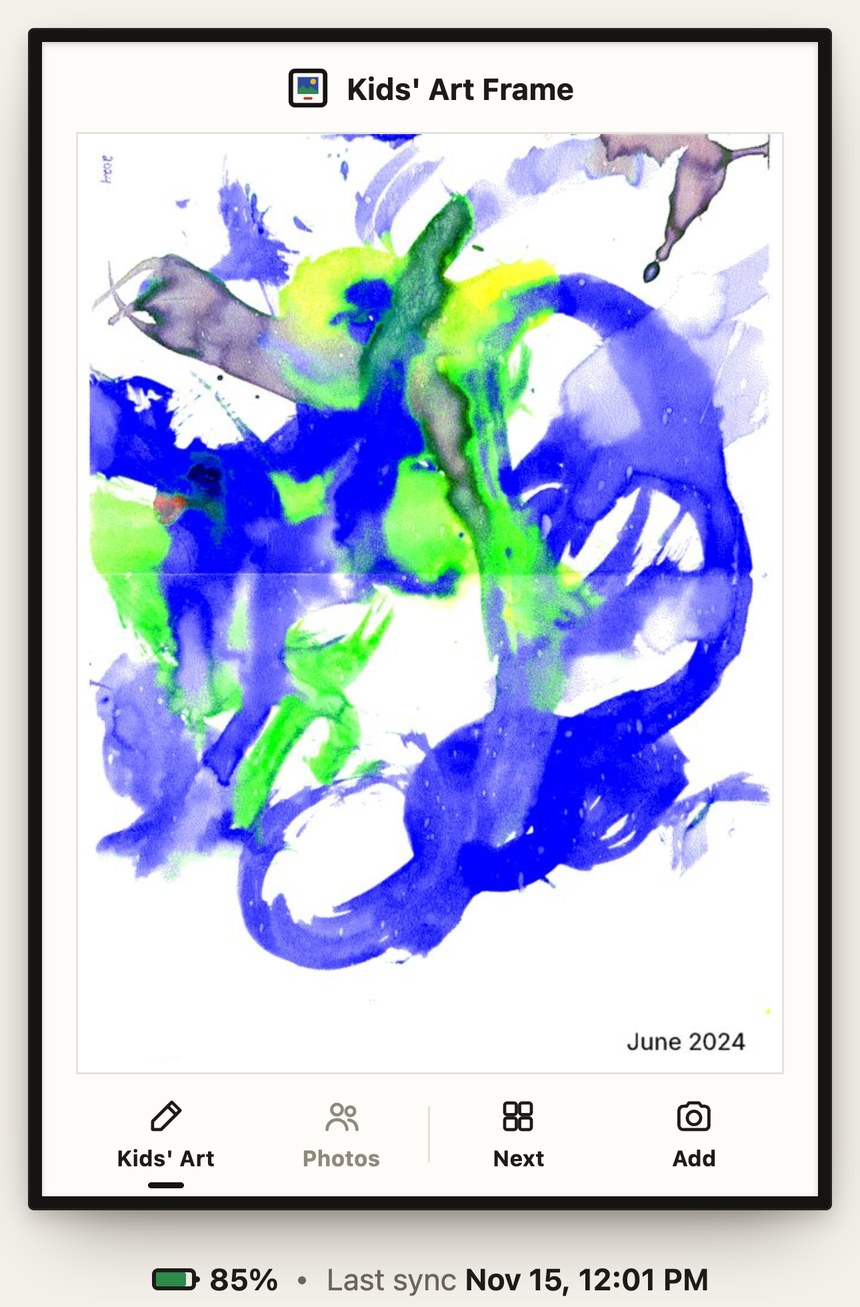
The phone page can also queue a specific piece for the next wake and switch the frame between two modes, Kids' Art and Family Photos. The server renders each image for the panel ahead of time, and photos get a gentler color boost than paintings. Home Assistant sends a notification when the battery drops under 20%.
Immich as the Source of Truth
Everything is filed in Immich, the self-hosted photo library I already run. It picks up a saved piece within a few minutes, and the server adds it to an album with a caption made of the kid's name and the month. From then on the frame follows the album. Editing the description in Immich changes the caption on the frame, and moving a piece to the trash removes its files an hour later, which leaves time to restore a mistake.
Key Features
| Feature | Description |
|---|---|
| Phone capture | A page on the home network opens the phone's own camera at full resolution. There's no app to install. |
| Edge finding | The server finds the paper and straightens it, with draggable corners for the photos it gets wrong. |
| Two copies | A straightened archive copy and the untouched original, both backed up nightly. |
| Captions | Each piece is captioned with who made it and when. Editing the caption in Immich updates the frame. |
| Printed photos | Old family prints go through the same capture and can be dated back to 1900. |
| Two modes | Kids' Art or Family Photos, switched from the phone page. |
| Battery alert | A Home Assistant notification when the frame drops under 20%. |