
Papaya
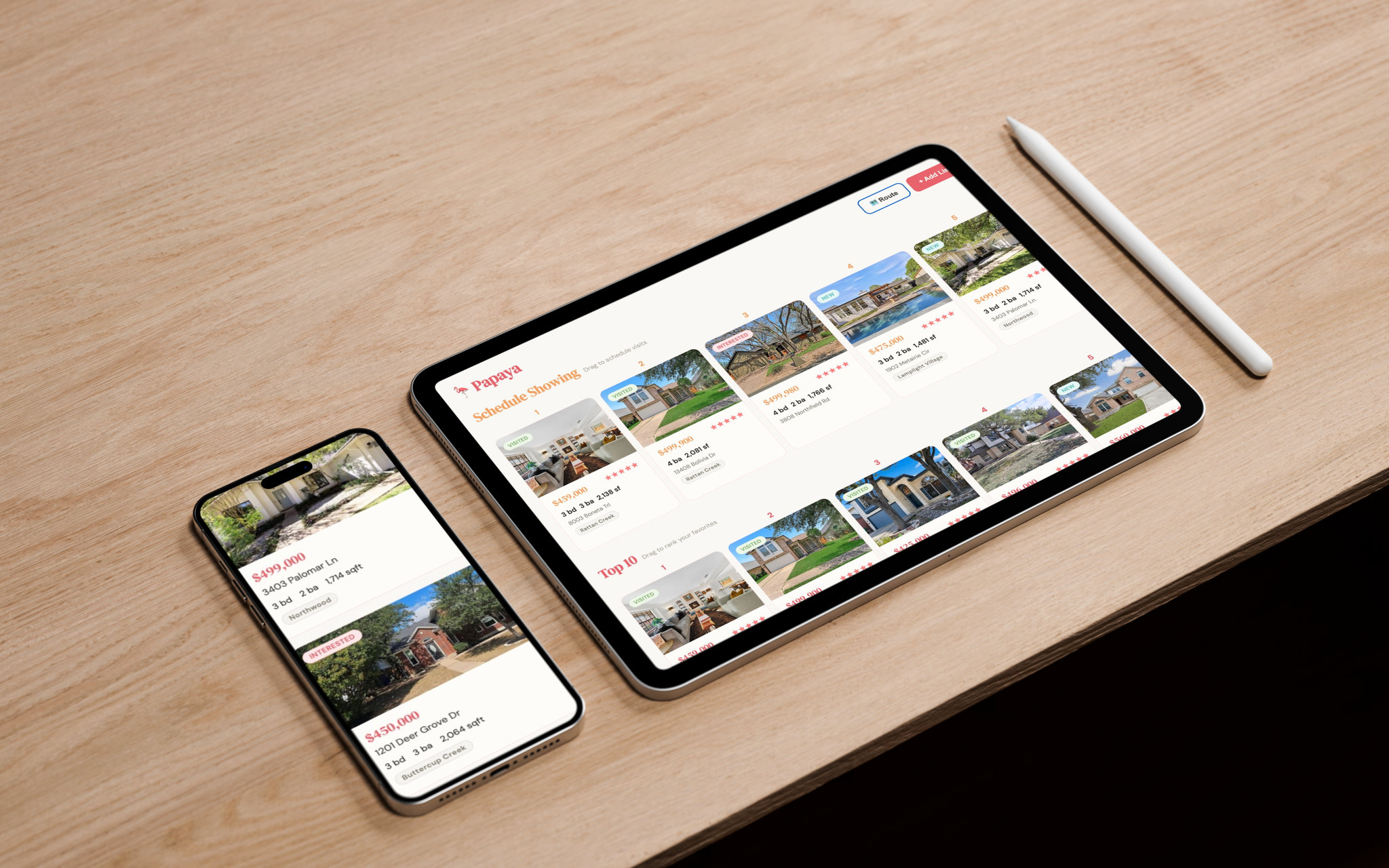
A personal tool I built to manage my house search. It lets me save listings from any site with one click and keeps everything organized in one place.
April 2026
Why I Built This
House hunting is fragmented. I was browsing Zillow on my phone, Redfin on my laptop, and my realtor preferred using their custom MLS portal. Each platform has their own benefits, but using them separately wasn't going to work since none of them talk to each other. I found myself losing track of which homes I'd already seen, forgetting my impressions, and constantly switching between tabs to compare listings.
I wanted one place to collect everything—regardless of where I found it—with my own ratings and notes attached.
How It Works
I added a JavaScript bookmarklet to my browser. When I'm on any listing page (Zillow, Redfin, MLS, or anywhere else ) I click it and the home gets saved to Papaya with the relevant details. From there I can add ratings, write notes, and see all my saved homes in one unified view.
Features
| Feature | Description |
|---|---|
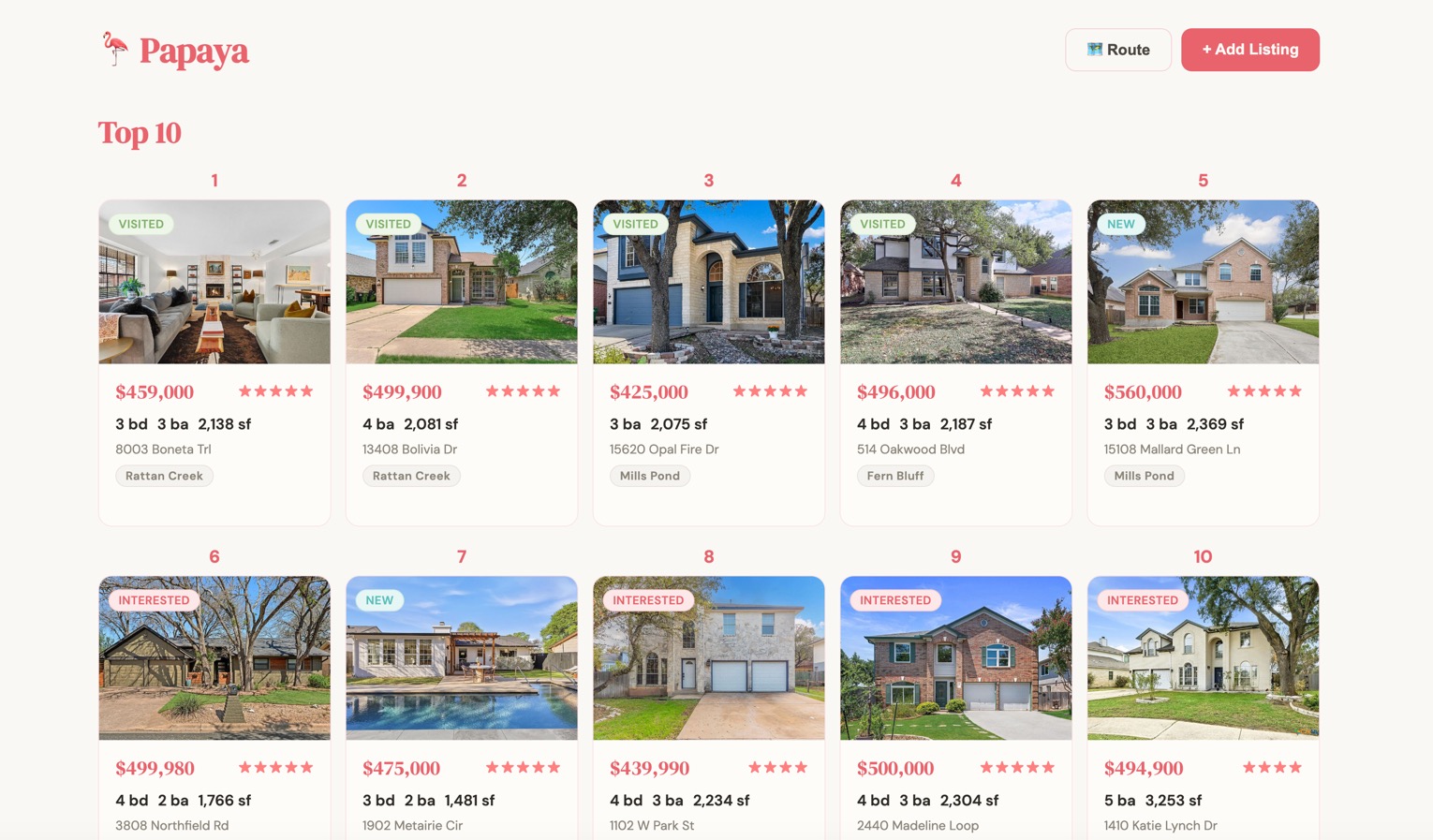
| Bookmarklet Save | One click from any listing page saves it to my collection. No copy-pasting URLs. |
| Route Planning | I can select multiple listings and generate an optimized Google Maps route to tour them efficiently. |
| Ratings & Notes | Each listing has my personal rating and notes so I remember what I liked or didn't. |
| Source Agnostic | Works with Zillow, Redfin, Realtor.com, MLS portals—any site with a listing page. |